Fluid Metro
A music practice app merging fluid simulation with a metronome
Download on the App StoreWhat is Fluid Metro?
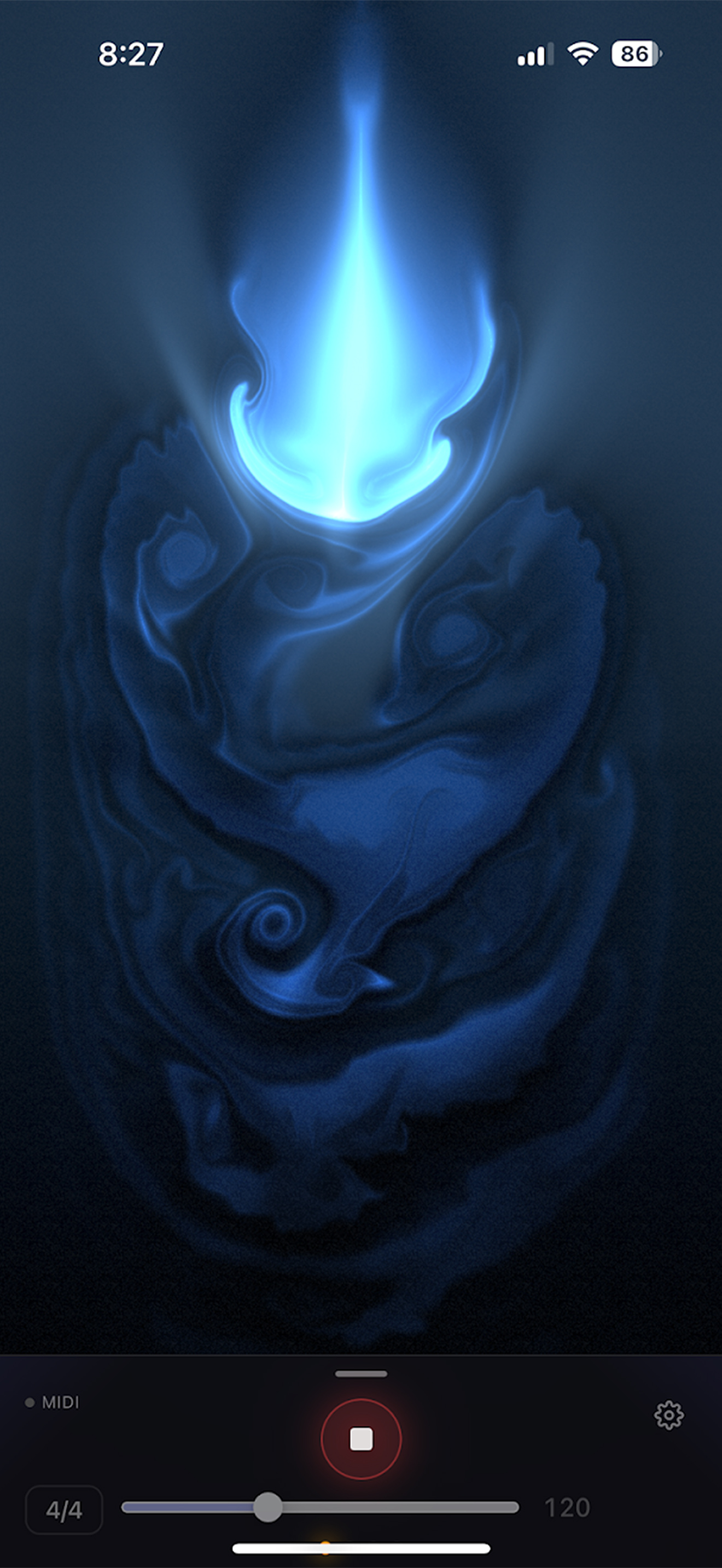
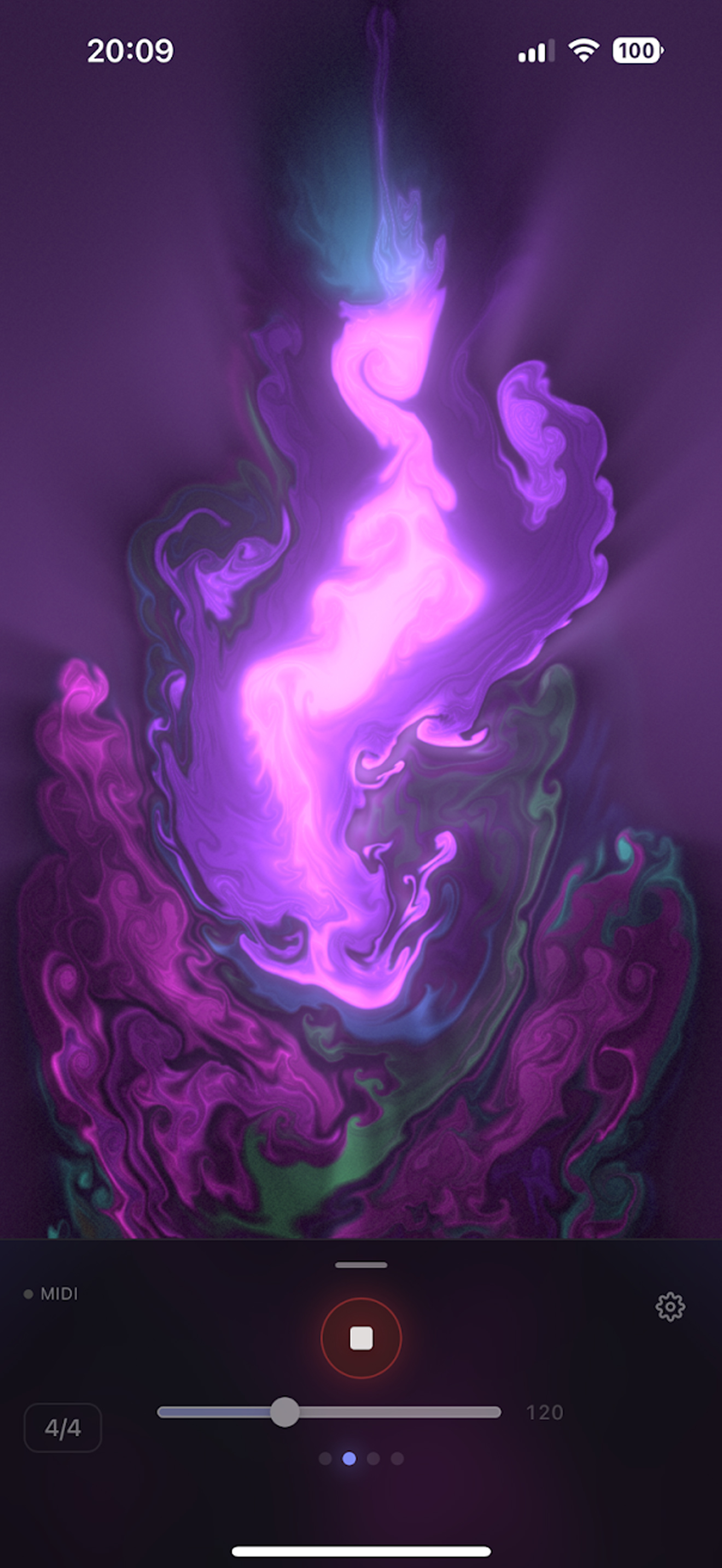
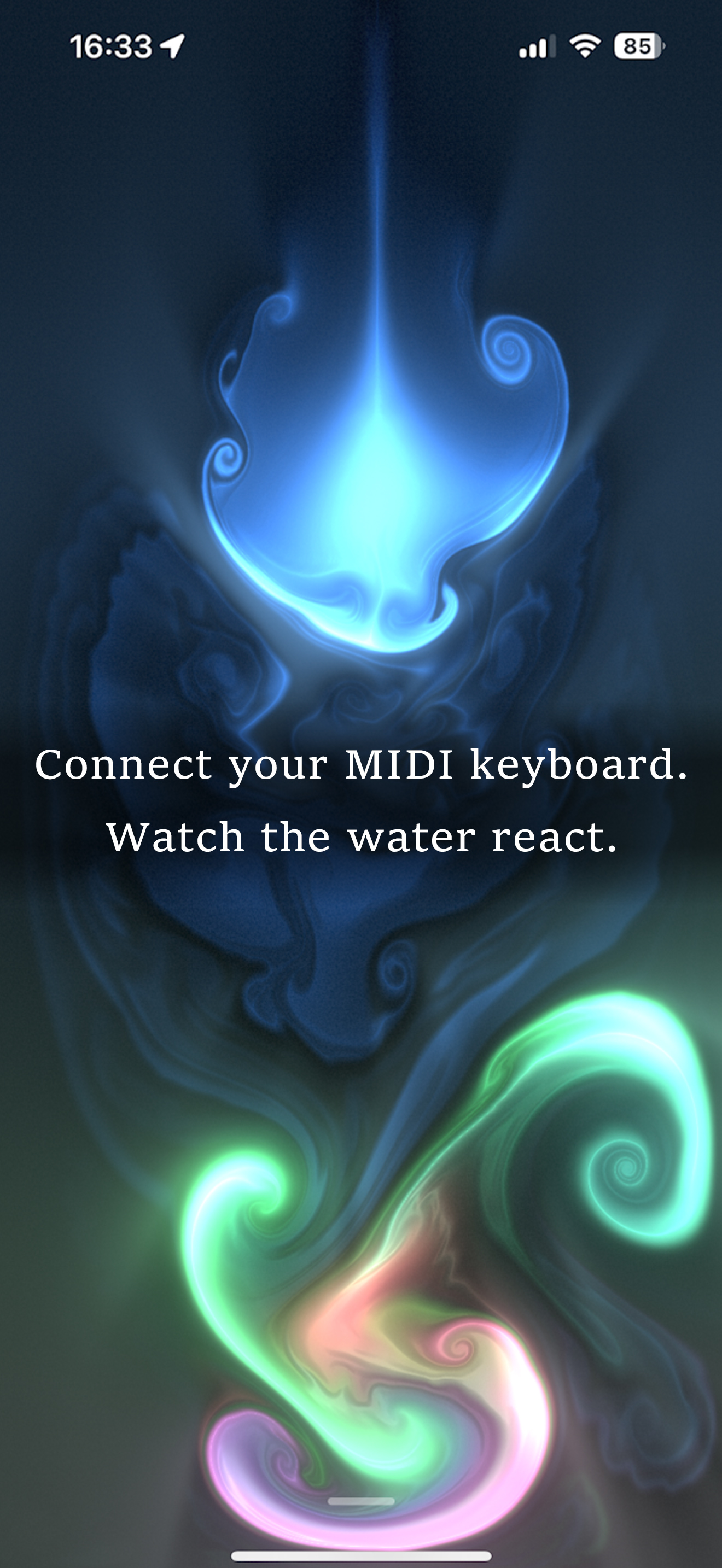
Fluid Metro is a music practice app that merges real-time fluid simulation with a metronome. Connect a MIDI keyboard and your playing is visualized as beautiful fluid art in real time.
- Real-time fluid simulation
- Visualize MIDI keyboard playing as fluid art
- BPM 20-300 / 9 time signatures
- Auto Bluetooth latency compensation
- Timing feedback feature
Pricing
| Feature | Included |
|---|---|
| Metronome (BPM 20-300) | ○ |
| Time signatures (9 types) | ○ |
| Fluid simulation | ○ |
| MIDI keyboard visualization | ○ |
| Timing feedback | ○ |
| BT latency auto-compensation | ○ |
All features are currently free. No ads.
Data Storage
Settings such as BPM, time signature, volume, and color are stored only on your device. Uninstalling the app will delete these settings.
FAQ
Check that the keyboard is properly connected via USB or Bluetooth MIDI. Make sure no other app is using the MIDI device, and try restarting the app. For Lightning devices, use an Apple genuine camera adapter.
Use "BT Delay" in Settings to compensate. The "Tap Measure" feature auto-calculates the optimal delay — just tap 6 times to the beat while the metronome is playing.
Swipe up from the bottom of the screen to show the menu again. Flick the menu down to enter immersive mode.
Check that the device volume is not muted, the silent switch is off, and the master volume (Vol) in Settings is not at 0%.
The fluid simulation uses the GPU, so extended use may consume more battery than usual. We recommend plugging in during long practice sessions.
Supports iPhone / iPad running iOS 16 or later. MIDI features require a USB adapter or Bluetooth MIDI keyboard.